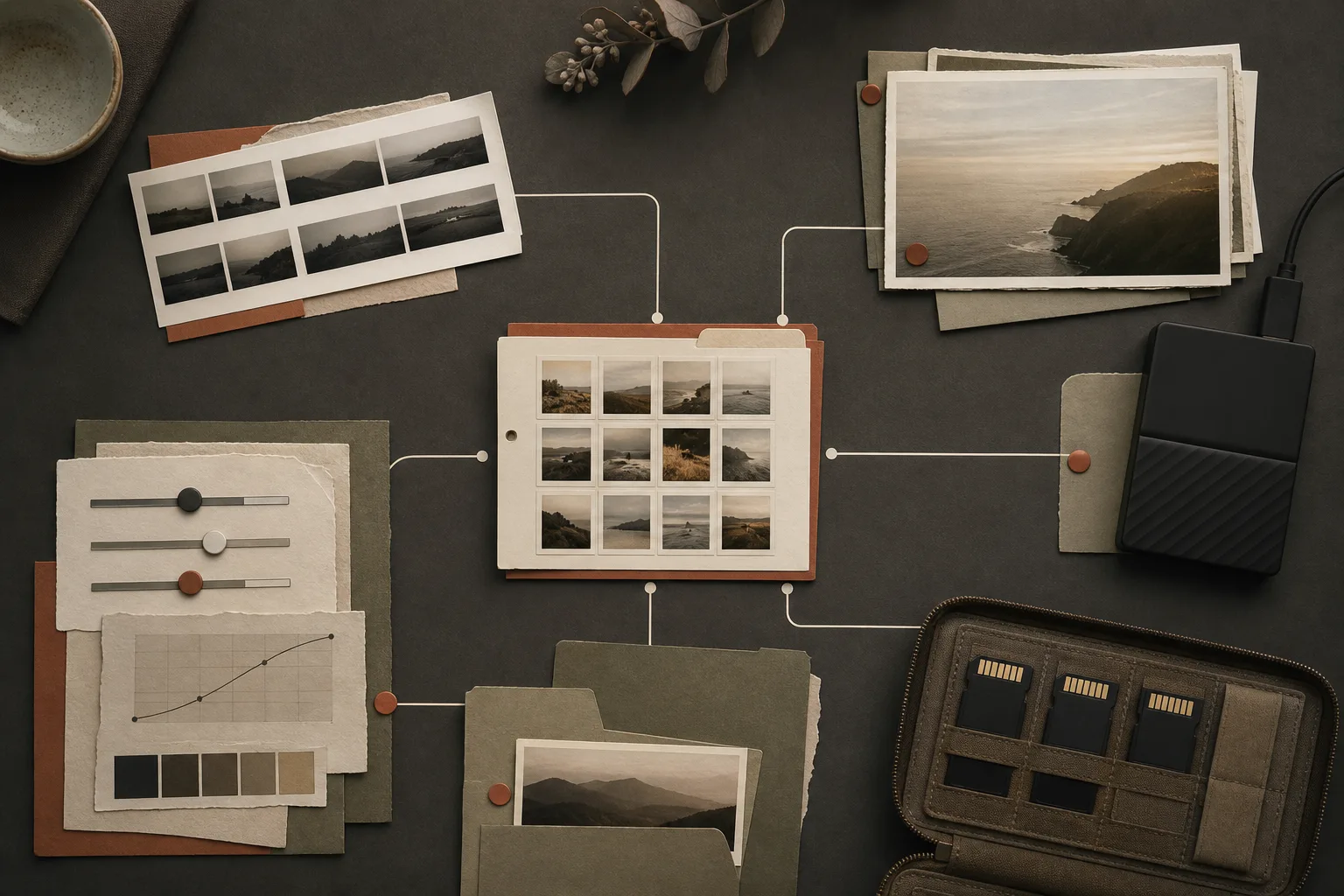
Seeing images inside management software can make the catalog feel like the place where photographs live. In many workflows it points to originals stored elsewhere and holds the decisions made around them.
Separate originals, catalog records, and exports.
Originals are captured material. The catalog records location and work. Exports are delivery files produced for a purpose. No single layer reconstructs the entire production by itself.
Before moving anything, identify which layer is changing.
Move files without breaking references.
Renaming or moving folders outside the management application can leave a catalog pointing at the old location. When supported, perform moves through the application.
If references break, locate the authoritative originals before creating more copies, then repair the link.
A catalog backup is not automatically an image backup.
A catalog copy may exclude RAW files and video. Originals alone may exclude selections, metadata, and edit instructions.
Copy both to separate storage and test that the working state can actually be reopened.
If the catalog is the map, the originals are the physical material at the destination.
Keep destination exports reproducible.
Create size, color, and compression variants from a recoverable master rather than baking every destination into it. Retain export settings and submission history.
Before splitting catalogs, account for the extra search and backup complexity.
What to protect
- Know where the originals reside
- Preserve catalog edits, ratings, and metadata
- Check references after any move
- Back up originals and catalog records separately
- Keep destination files reproducible