01 Remove out-of-focus shots, obvious failures, and unusable assets first
I first remove work with a clear reason it cannot be used: obvious missed focus, unintentionally closed eyes, severe camera shake, or logos that are difficult to remove. Even with photographs of ordinary gardens, parks, mountains, or hobbies, I think it is important to add assets with different uses. I do not make selecting just one image out of 100 and spending an extreme amount of time on it the standard for every shoot.
Increasing quantity does not mean skipping image quality or rights checks. I check focus and signs of correction at the size the work will be used, and play video from beginning to end. Even if image quality is good, I do not submit assets lacking the necessary consent for people or locations; I separate them as awaiting rights checks.
I do not judge progress by the number of shots alone. I use status labels such as saved, selected, edited, rights checked, information entered, and submitted consistently. If many assets have been edited but few submitted, it may be better to work on information entry or rights checks rather than shoot more.
02 Finish with retouching focused on exposure, color, and contrast
My finishing consists of light retouching focused on exposure, color, and contrast. I generally do not retouch skin. I want to arrange the light, background, and clothing during the shoot to reduce the amount I have to fix later.
I sometimes use AI to remove logos. If that proves difficult, I crop; if that still does not work, I do not keep the asset. Correcting part of a photograph and generating its main subject are not treated the same way. I keep track of the processing used and check each submission platform's acceptance conditions and required labeling.
After an AI correction, I check not only the corrected area but also surrounding shapes, repeating patterns, people, lettering, and the continuity of light. I do not stop at how it looks in the editor: I open the exported submission file and check its dimensions, orientation, color, and compression, as well as the audio and beginning and end of a video. I retain a reference version and distinguish versions for different uses.
03 Separate AI tag suggestions from information the photographer is responsible for
I often use AI tagging and sometimes do not inspect it closely. My workflow does not involve manually scrutinizing every tag every time. Using AI helps me avoid letting photographed assets accumulate partway through information entry.
However, I do not turn this practice into a general procedure claiming that unverified suggestions can be sent unchanged to any platform without problems. Automated suggestions do not guarantee the facts of a shoot. Information only the photographer can verify—such as the location, what is shown, required rights, and how generation is treated—must correspond to the original records.
I write titles to convey the central person or object, what they are doing, and the scene. I order keywords by importance, starting with the main subject, action, location, composition, and similar details. I follow the submission platform's current conditions rather than multiplying words with the same meaning by changing their form or adding unrelated popular terms.
Reusing information shared across a shoot can leave a tool or action in the metadata of a different shot where it is not visible. Even within a series, orientation, close or wide framing, space, and the stage of an action can change its use. When building an information-entry workflow, I test a small batch to see whether the tag suggestions reflect those differences.
04 Be accurate about locations; distinguish staged occupations and family relationships from factual claims
I sometimes tag a relationship or occupation as a concept that fits the scene, even when it is not the subjects' actual family relationship or job. It is important not to equate the relationship or work portrayed in a staged commercial scene with the real attributes of the people shown.
For example, expressing the concept of a parent and child in a staged photograph is different from stating that the people are actually related by blood. Clothing or tools that portray an occupation do not establish the person's actual qualifications or employer. I also avoid asserting emotions or success as facts based on appearance, and check the platform's rules to see whether they can be used as concepts appropriate to the asset.
I do not falsify shooting locations. If AI supplies a place name or date I do not know, I do not accept it just because it sounds plausible; I return to what the shooting records can confirm. It is also necessary not to describe an old streetscape as its current appearance.
Adobe Stock's official guidance calls for relevant descriptive and conceptual terms and accurate titles and keywords. But I do not take that guidance alone as blanket permission to assert unverified occupations or relationships. I distinguish editorial factual descriptions, staged commercial scenes, and the fields used by each site, and do not reuse the same information unconditionally.
05 Submit to multiple sites, distinguishing uploads from submission and publication
My basic policy is to submit to multiple sites from the start. I have focused on Adobe and iStock while also submitting to other candidates. However, exclusivity conditions depend on the type of asset and the contract, so I do not assume the same asset can be submitted everywhere. I check the account and contract status before proceeding.
On October 9, 2026, my Adobe Stock account was suspended, and I am appealing. The submission policy in this guide is my basic policy from before that event. I do not present it as meaning I can still submit to the suspended platform or that the account has been restored. I record the response and its progress in a separate article.
Prepared, uploaded, information entered, submitted, under review, accepted, rejected, published, and with recorded sales are different states. Seeing files listed on screen does not always mean submission is complete. I link the asset number and version, the platform's identifier, submission date and time, item count, and records showing receipt.
If I cannot confirm receipt, I investigate it as unverified. A lack of evidence does not necessarily mean it was not submitted, but I do not mark it complete without confirmation. If saving a screen, I keep only the necessary area without mixing in other projects or personal information.
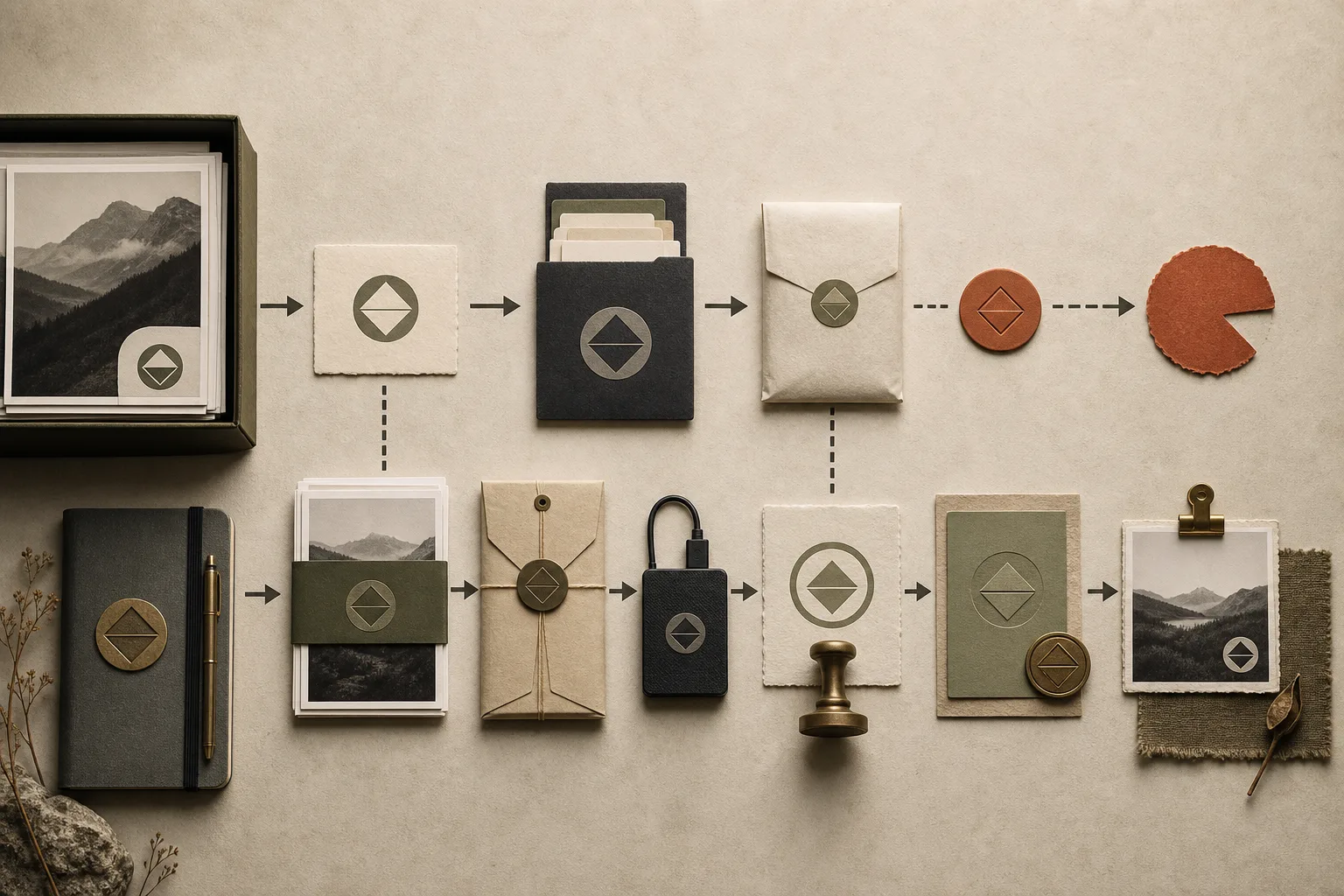
For video or large batches, total file size and actual upload speed affect working time. I use the amount I can finish sending from my usual location, at the usual time, and with the usual connection method as a guide, rather than the connection's advertised maximum speed. I allow time for preparation, transfer, finalizing submission, checking results, and resending if needed.
Dividing work into small batches traceable by asset number makes it easier to identify where a transfer stopped. I check the platform's procedures for resuming and handling duplicates, then reconcile counts and identifiers after sending. I retain local submission files and verified copies, and link resends and resubmissions to the original history.
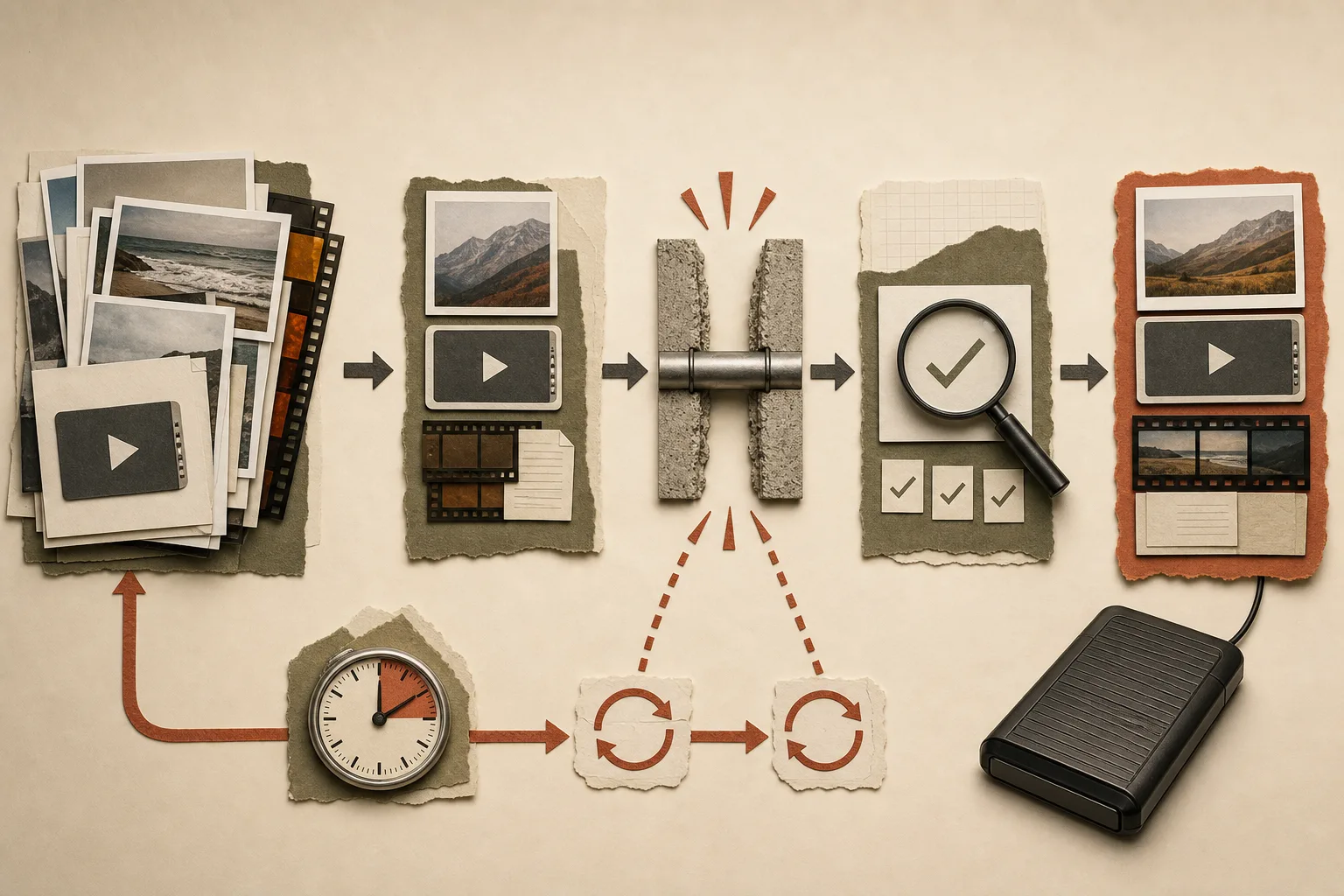
Keep the first submission record and link a resubmission as a separate attempt. When testing interrupted uploads, resume behavior or duplicate handling, try a small batch and record start and finish times and the outcome. Shared household or workplace network use can affect transfer conditions, so test under normal use.
06 Focus on portfolio growth rather than spending too long on rejections
I put more emphasis on a growing portfolio than on tracking every rejection in detail. I finish usable assets, move forward, and gradually improve themes and quality. I do not make analyzing and resubmitting each rejection a mandatory stage.
One image failing review does not establish that the entire shoot has no value. I investigate separately if the same reason recurs across a batch, submissions stop, or an important notice arrives about rights or the account. A policy of not overanalyzing individual rejections is not a policy of ignoring serious notices.
When looking at growth in numbers, I do not include assets awaiting upload or rights checks among published work. If comparing acceptance rates, I retain both submission and acceptance counts. I distinguish that from the proportion of finished assets relative to shots taken and compare numbers with the same meaning.
For example, 1,000 captures might yield only 10 finished marketable assets, or even none. This is a hypothetical illustration of different production stages, rather than my results. A hypothetical 80% acceptance rate also depends on its numerator and denominator. A weekly batch review is an option when useful; this does not describe a personal habit of examining every submission in detail each week.
07 Additional troubleshooting only when needed
When something goes wrong, I separate the reason stated in the platform's notice from my own hypothesis. A notice saying “image quality issue” alone does not establish whether the cause is focus, noise, compression, or camera shake. I examine the original and submission files and leave what I cannot determine unresolved.
Metadata, minor dust spots, or export settings may be correctable. Lost detail, severe camera shake, or missing required permission may not be solvable through editing. Rather than repeatedly resending the same file without understanding the reason, I consider reshooting or moving on to the next production.
For the next test, I choose one condition I can change, such as light, background, action, distance, or orientation. Linking the notice, the problem confirmed, the hypothesis, the change, and the result provides a clue if the same issue persists. This is an option when needed, not an obligation to analyze every asset.
When revising metadata, link the previous version, the stated reason and the revised version. To investigate a cause, change one condition at a time: for example, simplify clothing colors or separate the start and end of an action.