05Buying and replacing used equipment: returns, warranties, and checks on arrival
Before buying, write down the functions you want and how you will test them. Check the terms of that particular listing: who accepts returns, how many days you have to inspect it, treatment of initial faults, shipping costs, refund methods, and warranty coverage. Keep the product description, condition details, serial number, and receipt, and complete the necessary tests before confirming receipt or reaching the deadline.
I prefer Amazon as one option when buying new equipment. However, terms differ by seller and product condition. This is not a guarantee of a return period or refund that applies to all products. At the time of purchase, read the current terms from the seller and order screen.
For a camera, test more than whether it powers on: check focus, buttons, ports, every card slot, photos and video, heat, batteries, and whether files display on the computer. For a lens, check focus, aperture, supported stabilization, and multiple focal lengths if it is a zoom. The standard for inspection is whether you can complete the intended shoot from beginning to end.
I once bought a motorized slider in a person-to-person transaction. It worked at first but failed later that same day. After discussion, the purchase price was refunded, but the return shipping and the time spent dealing with it were not recovered. I do not reject every private listing; I want to weigh the inspection and problem-solving work alongside the low price.
My policy is to buy memory cards and storage drives new from retailers with an identifiable contact point. New equipment is not guaranteed to be free of failures, so I test it before a shoot and keep a separate, verified copy afterward. I do not use cards as long-term storage.
In the motorized-slider case, the required refund method also took effort. Another reason I choose new storage media is that past writing, shocks and temperature exposure can be difficult to establish for used media.
06Start with the computer you have; address the parts that slow you down
You do not need to replace your computer with a powerful model at the outset. Import actual material onto the one you have and work through selection, photo adjustments, video playback, export, storage, and submission preparation. Check whether it handles your usual batch, not just whether it can open one image.
Find one stage that stalls every week. By isolating memory, free space, storage location, external drive connections, video formats, cache, and export settings, you may be able to improve things without replacing the computer. If you use video proxy files, include the time and space needed to create them in your checks.
Screen color and brightness, ports for cards and drives, and upload speed also affect the work. Check whether you are adding too many adapters or concentrating connections on a single port. Prioritize the wait involved in finishing everyday work over an exceptional task you do once a year.
07Simultaneous card recording, power and charging, mounting, and maintenance
I place importance on simultaneous recording to cards. However, having two slots does not necessarily mean you can make identical recordings for photos or the video format you want. Check compatible cards, recording destinations, and modes in the manual, and open the actual files on both cards. Simultaneous recording does not replace the whole backup process, including storage on separate media and restoration.
With batteries, decide not only how many to carry but also how to keep charged and used ones separate. Use compartments, cases, or orientation to distinguish them. Recording individual battery numbers and replacement times can help identify one that drains faster than the others under the same conditions. Follow the manufacturer’s precautions for hot or abnormal batteries; stop using and charging a battery with swelling or damage, and check what to do. Base storage methods on the manual as well.
Treat charging during breaks and supplying power while shooting separately. Do not assume a power source’s stated capacity is all usable; test runtime at the actual shooting settings, including conversion losses and temperature. Check the power source, cable, adapters, and equipment as a set, including whether output allocation changes when several devices are used at once. Decide the charging order starting with equipment you cannot afford to have stop, and prepare for important shoots without relying on just one charging method.
Standardize quick-release fittings starting with the combinations you frequently swap between, such as camera, head, tripod, and gimbal. Test not only whether the shapes fit but also load and center of gravity, twisting in portrait orientation, and interference with the battery compartment, screen, ports, and cables. Use a consistent check: insert, lock, gently check it cannot come out, and inspect screws. Keep the necessary screws, wrenches, and spacers together too.
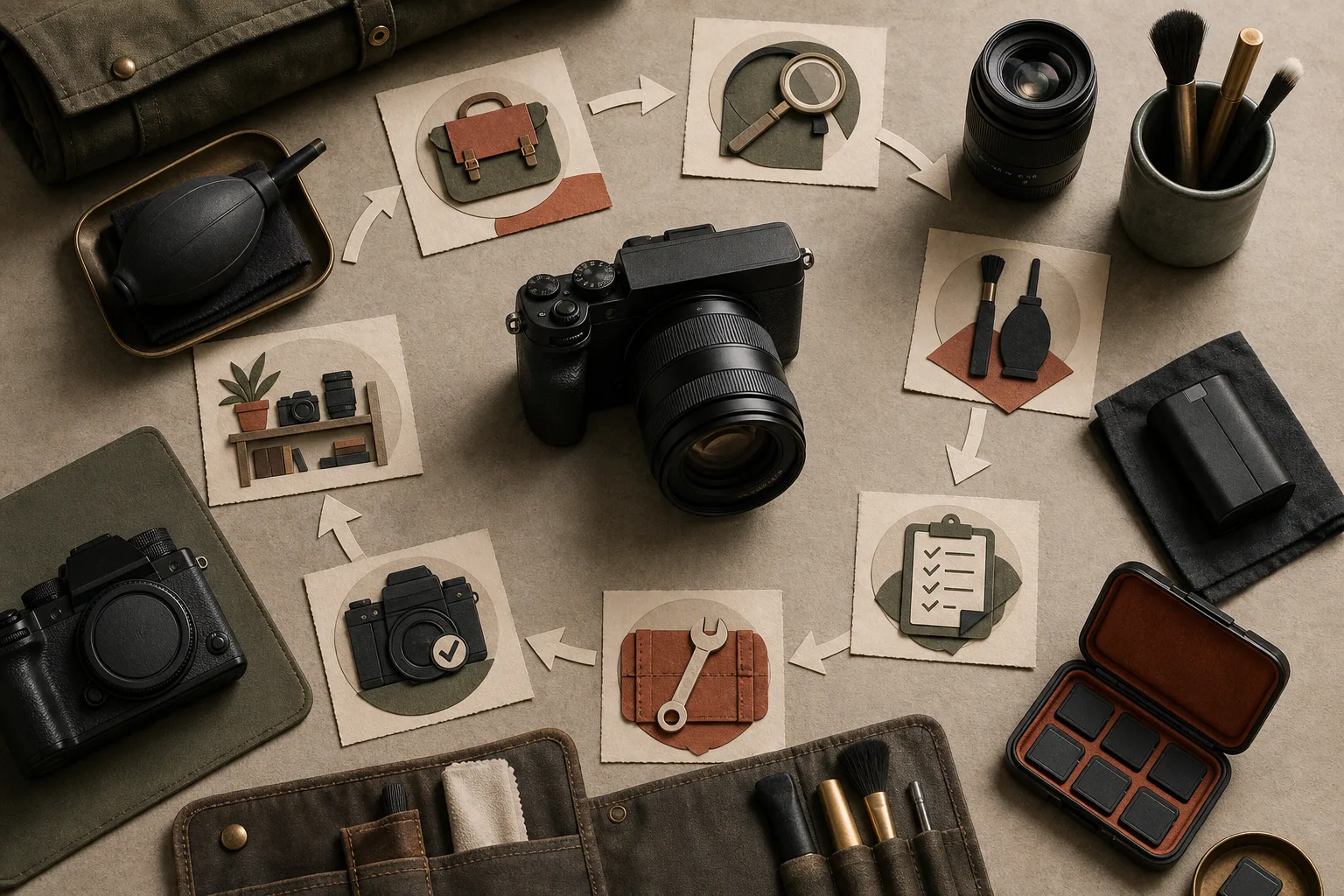
After a shoot, inspect for sand, dust, and moisture, and check lenses, contacts, covers, ports, plates, and straps. Follow the equipment’s manual for care. For problems such as an intermittently unresponsive button, record when they occur, the settings, the equipment combination, and conditions that reproduce them. If there is unusual heat or smell, an impact, or water ingress, stop using the equipment and consult the manufacturer or repair service.
When arranging repair, check what may change the estimate, how data and settings will be handled, parts, the post-repair warranty, and the expected return time. Protect the card’s contents, and remove the card unless instructed otherwise. Record the serial number, exterior condition, and included items, and save any settings that can be saved. Follow the repair service’s and carrier’s rules for shipping batteries.
When the equipment returns, check the body and accessories, the reported problem, focus, exposure, stabilization, ports, cards, and recording formats. Review the date and time, file numbering, firmware, button settings, and copyright information too. Assemble it with the lens and microphone you will use and make a test recording. Finish maintenance and checks before taking it to the next shoot.
Let a hot battery cool as directed by its manufacturer before charging, and use a compatible charger. Do not charge inside cloth or a bag. Check charge and condition before departure, and log use start, replacement time, charge and abnormalities by battery ID. Do not keep relying on a weakened battery for important shoots.
Remove loose sand first and dry damp equipment before storage. Check storage conditions, since a bag may be unsuitable for long-term storage. Choose a repair provider with warranty, sealing and firmware considerations in mind. Send only the requested items, and keep the estimate, shipping record and repair report together.
Before formatting a card, open the copy stored elsewhere and check that backups exist in two locations. Assess tripod stability on the actual ground and in the wind. Decide replacement points for consumables in advance, and follow the equipment’s instructions for heat, cold, water and impacts.
List plates, supports, adapters and required tools for each setup. Include safety stops or other fall-prevention parts, keep parts separated by equipment, and avoid stacking too many adapters. Recheck compatibility and looseness after a configuration change.