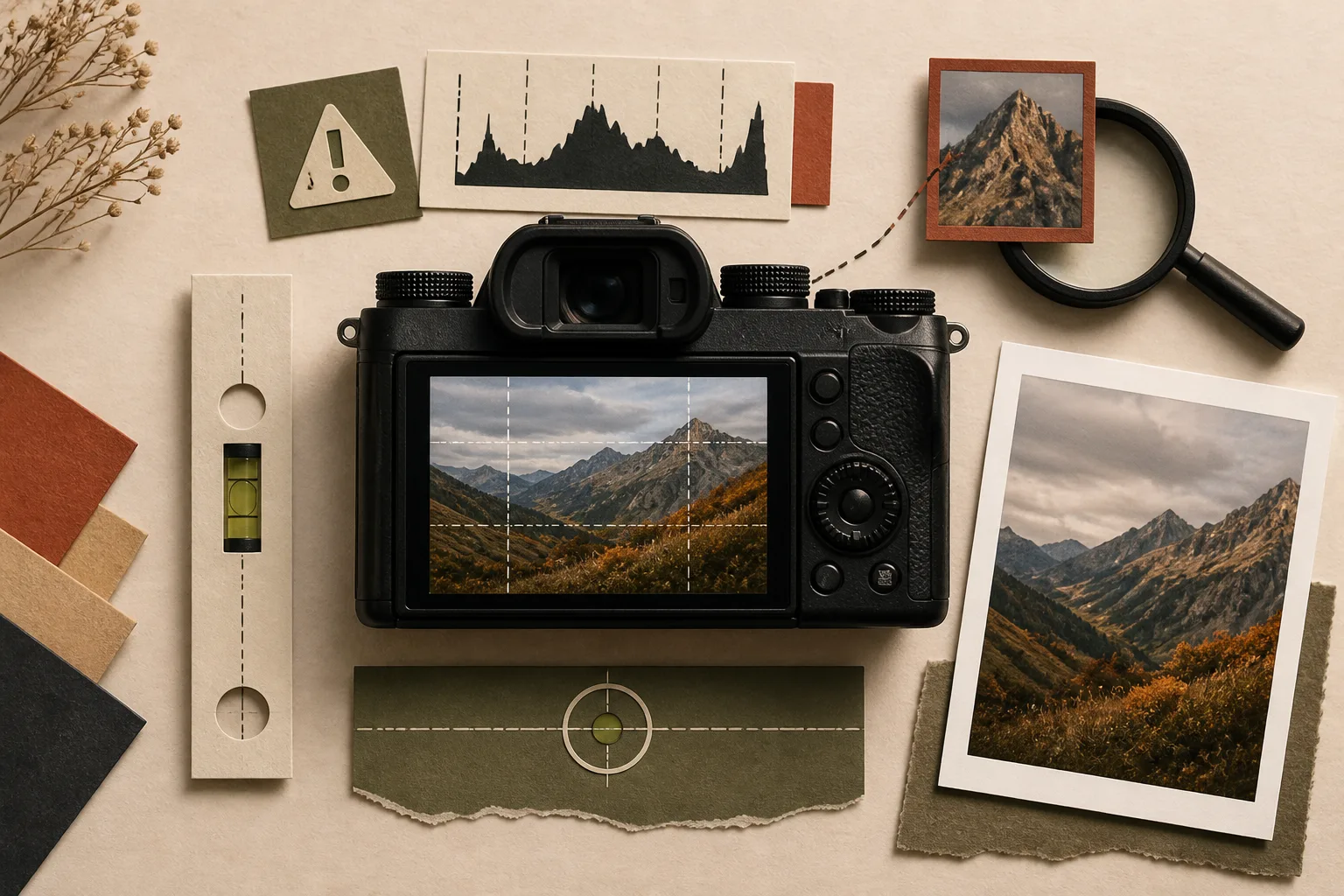
A rear screen can look bright at night and dim in direct sun. Its color and contrast are also only a preview. Looking pleasing is not proof that focus, exposure, alignment, and detail are safe. Use each display as a diagnostic instrument.
Do not judge exposure from preview brightness alone.
Ambient light, viewing angle, and display brightness all alter the impression of the file. Changing the screen setting can make an unchanged exposure feel different.
Use the histogram and highlight warning alongside the preview. Check whether the important bright and dark areas retain the information the finished use requires.
Magnify the detail that carries the image.
A full-frame preview can appear sharp while the eyes, product edge, fabric texture, or other essential detail is slightly missed. Magnify the relevant area immediately after capture.
When the subject or photographer moved, check more than one frame. Repeated misses indicate a focusing or shooting-method problem, not merely bad luck.
Use levels and guides to notice, not to obey blindly.
A level and framing grid can expose a tilted horizon, leaning table, awkward crop, or crowded edge while the scene can still be corrected.
Mathematical level is not always visual balance. Perspective and terrain may create other cues, so make the final decision from the complete composition.
The display is not the answer. It is a tool for finding what you may have missed.
Judge where a warning appears.
A clipped specular reflection or visible light source may matter differently from clipped skin or essential product detail. The warning’s location and purpose matter more than its mere presence.
Treat shadows the same way. A background intended to fall to black is different from clothing or hair that must retain usable detail.
Make the final check in a controlled environment.
In the field, concentrate on problems that require a reshoot. Evaluate fine color, noise, retouching, and exported output later on an appropriate computer display.
A clean camera preview is not proof of a finished asset. Capture checks and finishing checks have different responsibilities.
Five field checks
- Histogram and important tonal areas
- Magnified critical focus
- Level and visual balance
- Guides and frame edges
- The location and importance of warnings