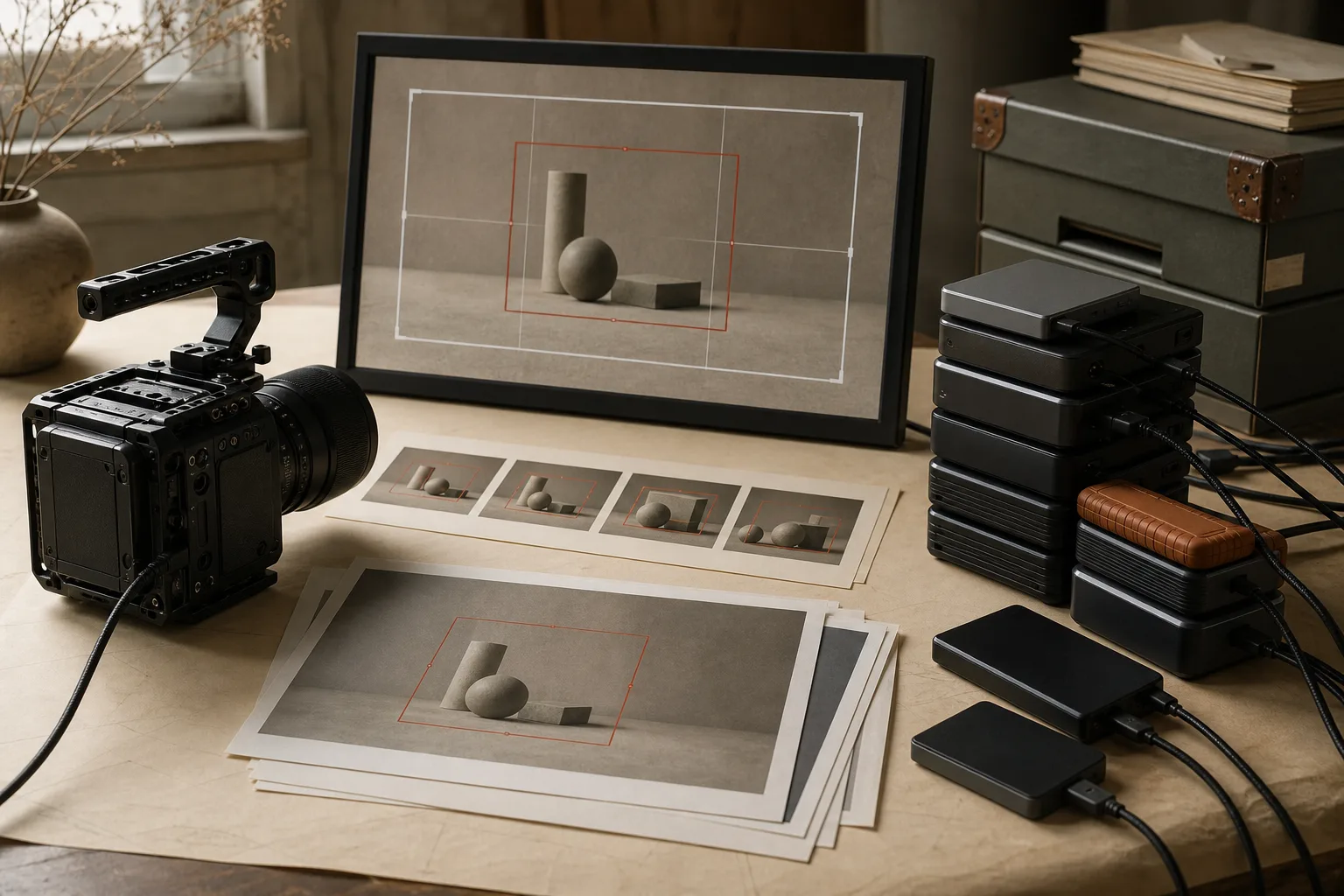
The highest camera setting is not automatically the best business setting. Before choosing 8K, name the job those extra pixels must perform: native 8K delivery, a planned crop, digital stabilization, multiple 4K framings, or a deliberate oversampled master.
8K records four times as many pixels as 4K.
Common UHD 4K is 3,840 × 2,160, or about 8.3 million pixels per frame. UHD 8K is 7,680 × 4,320, or about 33.2 million pixels. The width and height each double, so the total pixel count becomes four times larger.
This does not mean every 8K file is exactly four times the size. Codec, bitrate, frame rate, bit depth, color sampling, and recording duration determine the final data volume.
Extra resolution needs a specific assignment.
An 8K frame can provide room to crop, reframe, or stabilize while retaining a 4K output. In simple terms, a 4K window can use one quarter of an 8K frame’s area without reducing its pixel dimensions below 4K.
That flexibility matters when the final composition cannot be fixed during capture, when one locked-off shot must supply several framings, or when the buyer genuinely needs 8K. If none of those jobs exists, the additional pixels may never reach the customer.
The camera setting expands the entire production system.
8K can demand faster cards, more capacity, longer copying, more working storage, stronger editing hardware, proxy files, larger caches, longer exports, additional backup space, more upload time, and more cooling or battery management.
The cost is not one large file. It is every required copy and every minute the file spends moving through the workflow. A master plus two verified backups already turns one terabyte of captured material into at least three terabytes of occupied storage before working files and exports.
Downconverting everything is still production work.
There was a period of recording 8K for destinations that accepted it, then converting the same material to 4K for other outlets. Five hard drives and three solid-state drives still did not make the workflow feel spacious, and the observed sales did not justify keeping 8K as the default.
This is not evidence that 8K never sells. It is evidence that acceptance, conversion, storage, and actual return must be measured together. A format supported by one outlet is not automatically the best format for the portfolio as a whole.
Compare the delivered result, not the specification sheet.
Record the same representative scene in the intended 4K and 8K modes. Finish both as the buyer would receive them. Inspect focus, noise, motion, rolling shutter, heat limits, crop value, editing time, export time, file size, and upload time.
If the 8K source produces a visible or operational benefit that the 4K source cannot provide, record that reason. If the delivered clips are effectively equivalent for the intended use, choose the simpler repeatable workflow.
Use 8K selectively, not ceremonially.
Keep a short list of situations where 8K earns its cost: a confirmed 8K destination, a planned 4K crop, a shot that needs stabilization room, or a master with a defined future use. For ordinary coverage, a stable 4K pipeline may produce more finished, backed-up, submitted assets.
Always check each destination’s current technical requirements before recording or exporting. Support can change, and a camera’s capture format may still need conversion before submission.
Resolution has business value only when the extra pixels have a job.
The 8K decision
- Name the buyer or production need
- Calculate capture plus every required copy
- Finish a matched 4K and 8K test
- Measure editing, export, backup, and upload time
- Use 8K only when the delivered benefit survives the full workflow