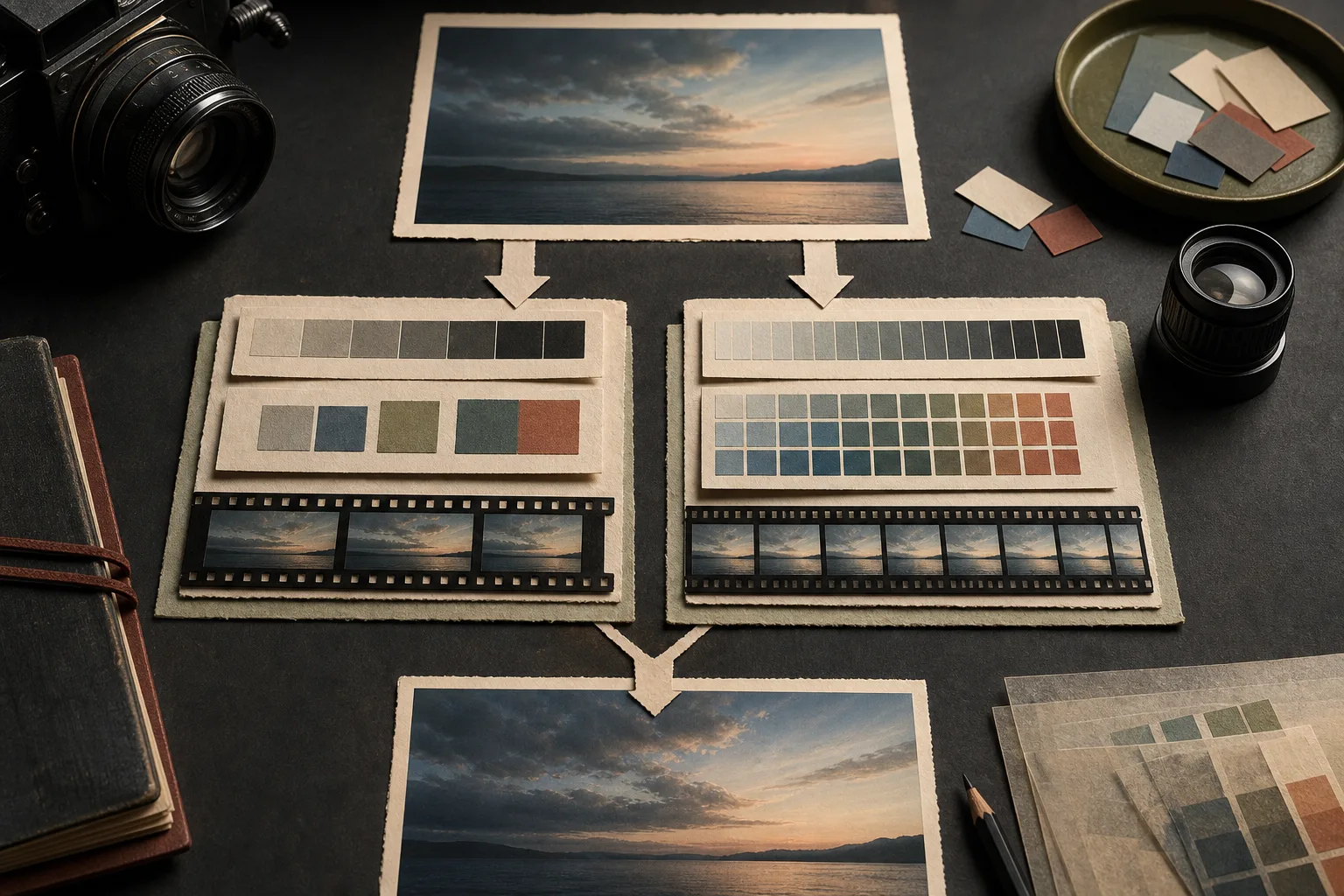
A specification such as “10-bit 4:2:2” can be valuable, especially when footage will be graded or composited. It does not make every straight-from-camera clip visibly better, and it does not replace correct exposure, focus, lighting, or a usable subject.
Bit depth controls the number of available steps.
In simple terms, 8-bit recording can describe 256 numerical levels per channel, while 10-bit can describe 1,024. The extra steps give corrections more room before smooth gradients break into visible bands or color adjustments fall apart.
This matters most in skies, walls, shadows, skin tones, log recording, and other material that will be pushed during post-production. It does not mean every display or delivery file will show all of those source values directly.
4:2:2 describes color detail, not tonal steps.
Video can store brightness detail more densely than color detail because human vision is less sensitive to fine color resolution. In 4:2:2, horizontal color detail is sampled at half the brightness resolution while vertical color detail is retained for each row. In 4:2:0, color detail is reduced in both horizontal and vertical directions.
4:2:2 can preserve cleaner colored edges for keying, masks, graphics, skin corrections, and strong grading. It is a separate choice from 8-bit or 10-bit: bit depth and chroma sampling describe different parts of the recording.
Converting later cannot restore missing information.
Exporting an 8-bit file as 10-bit does not recreate tonal steps that were not captured. Converting 4:2:0 to 4:2:2 does not reconstruct the original fine color detail. The new file can use a larger container for the existing values, but the lost source information remains lost.
If the project genuinely needs 10-bit or 4:2:2, capture it that way from the start and keep the advantage through the edit and export chain.
The setting is useful only when the workflow can decode it.
Some 10-bit 4:2:2 codecs are harder for a computer to play than larger files in an easier codec. Hardware decoding, editing software, operating system support, graphics memory, cache, and proxy generation all affect the experience.
Record one representative minute. Copy it, play it, add the real color correction, export it, reopen the export, back it up, and upload it. A setting that constantly interrupts production is not yet a reliable default.
File size comes from the whole recording mode.
10-bit and 4:2:2 can increase the data required, but they do not reveal file size by themselves. Codec efficiency, bitrate, resolution, frame rate, and duration still determine storage. One camera may offer 10-bit in a highly compressed format; another may pair it with a much higher bitrate.
Read the bitrate for the exact mode rather than estimating from the color specification.
Choose by the correction the buyer’s file must survive.
Well-exposed footage with restrained correction may be completely useful in 8-bit 4:2:0 when it meets the destination’s current requirements. Log recording, difficult gradients, skin work, green-screen keying, compositing, or substantial color changes can justify 10-bit 4:2:2.
Shoot a matched test and finish both versions for the same destination. Compare the final visible result, not just the camera menu. Keep the richer mode when the delivered difference matters and the complete workflow remains repeatable.
Record more color information when the finished image has a job for it.
The color-data decision
- Decide how strongly the footage must be corrected
- Separate bit depth from chroma sampling
- Confirm editing and playback compatibility
- Measure the exact mode’s bitrate and storage
- Compare matched finished files before making it the default