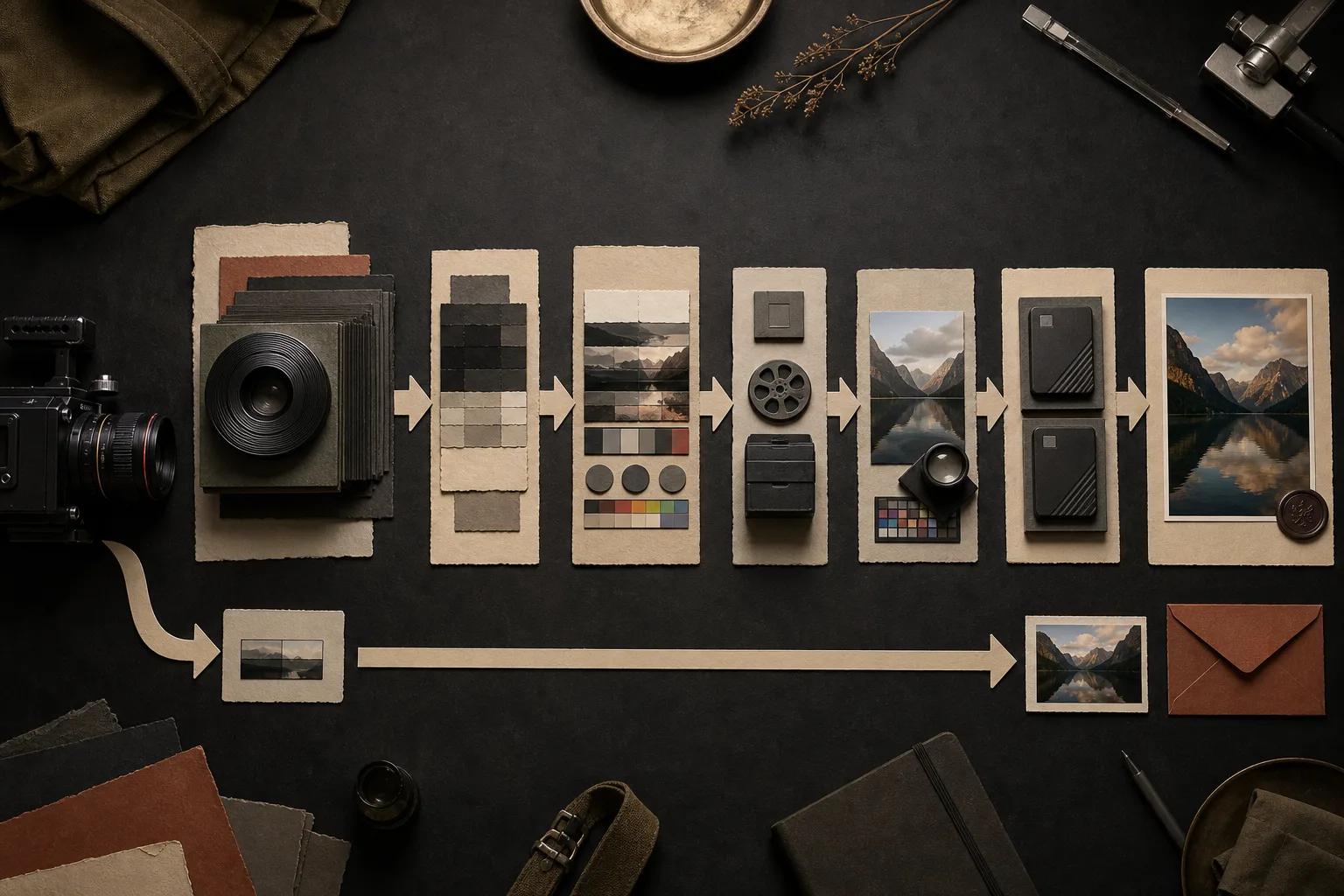
Choosing RAW does not finish an image at a higher quality. It postpones more image-making decisions until post-production. That can be valuable, but it also transfers work from the camera to the creator.
RAW does not always mean uncompressed.
RAW video generally retains data closer to the camera sensor’s original capture than a finished delivery codec. The exact contents differ by camera and format. Some RAW formats are compressed, some use different bit depths, and some include camera processing or metadata that compatible software must interpret.
Treat “RAW” as a family of recording workflows, not one universal file type. Check the exact camera, firmware, recorder, format, and compression option together.
More adjustable data cannot repair every mistake.
RAW may provide more room to adjust exposure and color balance, recover usable highlight or shadow detail, reduce noise, and build a deliberate look. It cannot recreate clipped information that was never recorded, bring missed focus back, remove unwanted motion blur, or fix a weak moment.
Good exposure, focus, lighting, movement, composition, and rights clearance remain production work. RAW is additional latitude, not permission to postpone everything.
Software support is part of the camera specification.
Before an important shoot, confirm that the editing system can open the exact RAW files, play them reliably, interpret color correctly, and export an accepted delivery file. A format listed on the camera does not guarantee that every computer or application can use it efficiently.
Record a short test, copy it to the real workstation, reopen the project, and export it. Keep the camera firmware, recording mode, software version, and color settings with the test result so the workflow can be repeated later.
RAW creates a required finishing stage.
The creator must decide how the sensor data becomes a visible image: exposure, white balance, contrast, color, noise treatment, sharpness, and the conversion into a standard delivery format. Automatic defaults can produce a picture, but they do not prove the result is accurate or consistent.
Most buyers and distribution destinations need a finished, viewable file rather than the camera’s working RAW source. Check the destination’s current technical requirements and export specifically for them.
Count processing and storage before choosing the format.
RAW can require faster media, larger files, proxy generation, stronger processing, more cache space, longer backups, and longer exports. It may also tie the archive to particular decoding software. The source file, project settings, and final export all need a clear retention policy.
Calculate the capture volume, working files, and at least two verified backups. Then include the human time required to grade and export each accepted clip.
Compare finished files, not unfinished sources.
Shoot a representative scene in the intended RAW mode and the camera’s strongest practical compressed mode. Finish both for the same destination. Compare the delivered image, correction latitude, editing time, export time, storage, playback, and upload.
Use RAW when its delivered advantage is visible or required: difficult contrast, demanding color work, compositing, a specific client specification, or a master with a defined future use. If the final result does not justify the additional system, the compressed workflow is the stronger production choice.
RAW preserves decisions for later. It also makes those decisions your responsibility.
The RAW test
- Name the adjustment or delivery need that requires RAW
- Confirm exact software and hardware compatibility
- Finish matched RAW and compressed test clips
- Measure storage, grading, export, backup, and upload
- Keep RAW only when the delivered benefit survives the full workflow