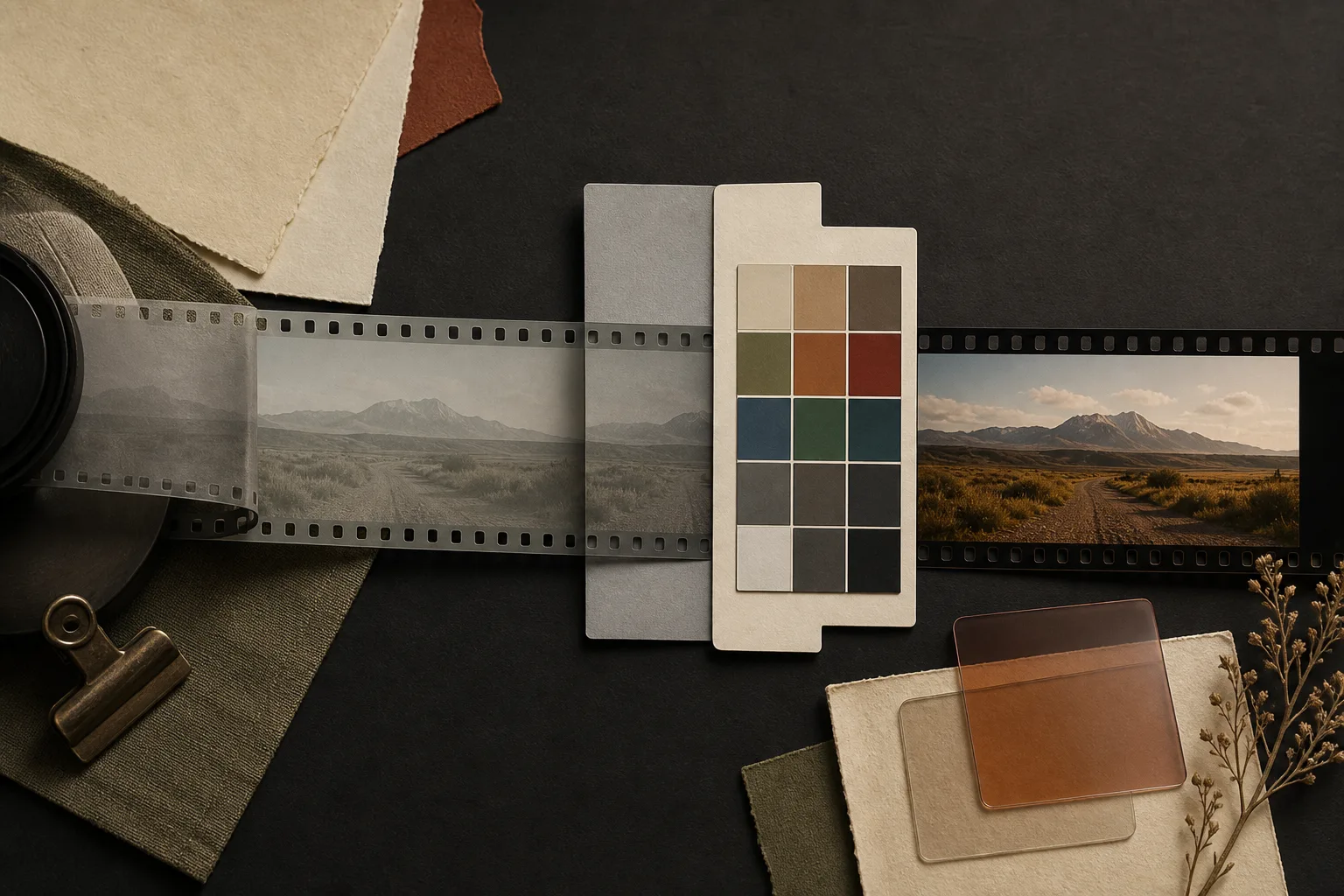
Log recording redistributes captured brightness values so that a wide range can fit into the video signal. The direct image often looks pale and low in contrast because it is not intended to be the final appearance.
Log is a tone curve, not a universal file format.
A camera can record a Log curve inside different codecs, containers, bit depths, and color-sampling modes. Log footage may be compressed and may be recorded as 8-bit or 10-bit. The exact gamma curve and color gamut also differ by manufacturer and camera.
Log is not the same as RAW. RAW retains sensor-oriented data for later decoding; Log is usually a video image that has already passed through more camera processing, with brightness encoded through a logarithmic-style curve.
The flat image is a map, not the destination.
Log assigns code values in a way that can preserve useful highlight and shadow information for later adjustment. It does not create dynamic range that the sensor failed to capture, and it cannot repair clipped highlights, blocked shadows, missed focus, or poor lighting.
A normal contrast image must be produced through color management, a technical transform, manual grading, or an appropriate combination. Until then, the flat picture is an unfinished working view.
Expose the exact Log mode, not a slogan.
There is no safe universal instruction to “always overexpose Log.” Base sensitivity, highlight allocation, noise behavior, monitoring tools, and recommended exposure vary by camera and Log curve.
Use the manufacturer’s current guidance together with waveform, zebras, histogram, and a controlled test. Protect important highlights and confirm that the subject—especially skin—has enough clean information. A pleasant monitoring image does not override measured clipping.
A monitoring LUT changes the view, not necessarily the recording.
A viewing LUT can show a more normal contrast image on the camera or monitor while the file remains Log. This helps focus, exposure judgment, and communication on set. Confirm whether the camera is only displaying the LUT or permanently recording the look.
Keep the recorded gamma and gamut with the clip. Applying the same technical conversion twice can create excessive contrast, crushed shadows, clipped highlights, and incorrect color. A creative LUT is not automatically the correct technical transform for every camera.
Bit depth determines how hard the image can be pushed.
Log spreads the picture across a deliberately shaped set of values. Strong corrections can reveal banding or damaged color sooner in 8-bit material. Ten-bit recording provides more steps and is generally safer for substantial Log grading, but it still cannot recover information that was not captured.
Shoot a matched test in Log and the camera’s practical standard profile. Apply the real correction, then inspect gradients, skin, shadows, highlights, noise, and export on the display used for approval.
Do not deliver an unfinished look by accident.
Check whether the destination currently expects graded footage, accepts a specific Log format, or requires a standard finished file. Then export for that requirement. Reopen the exported file outside the editing project and confirm contrast, color, levels, codec, resolution, frame rate, and playback.
Use Log when the scene or finishing plan needs the additional correction room and the creator can complete the color workflow consistently. For simple, controlled scenes with minimal correction, a well-tested standard profile may reach a dependable result faster.
Log protects room for the finish. It does not provide the finish.
The Log test
- Record the exact gamma, gamut, bit depth, and codec
- Follow camera-specific exposure guidance
- Know whether the monitoring LUT is display-only or recorded
- Apply one correct technical transform
- Reopen and inspect the delivered file outside the project