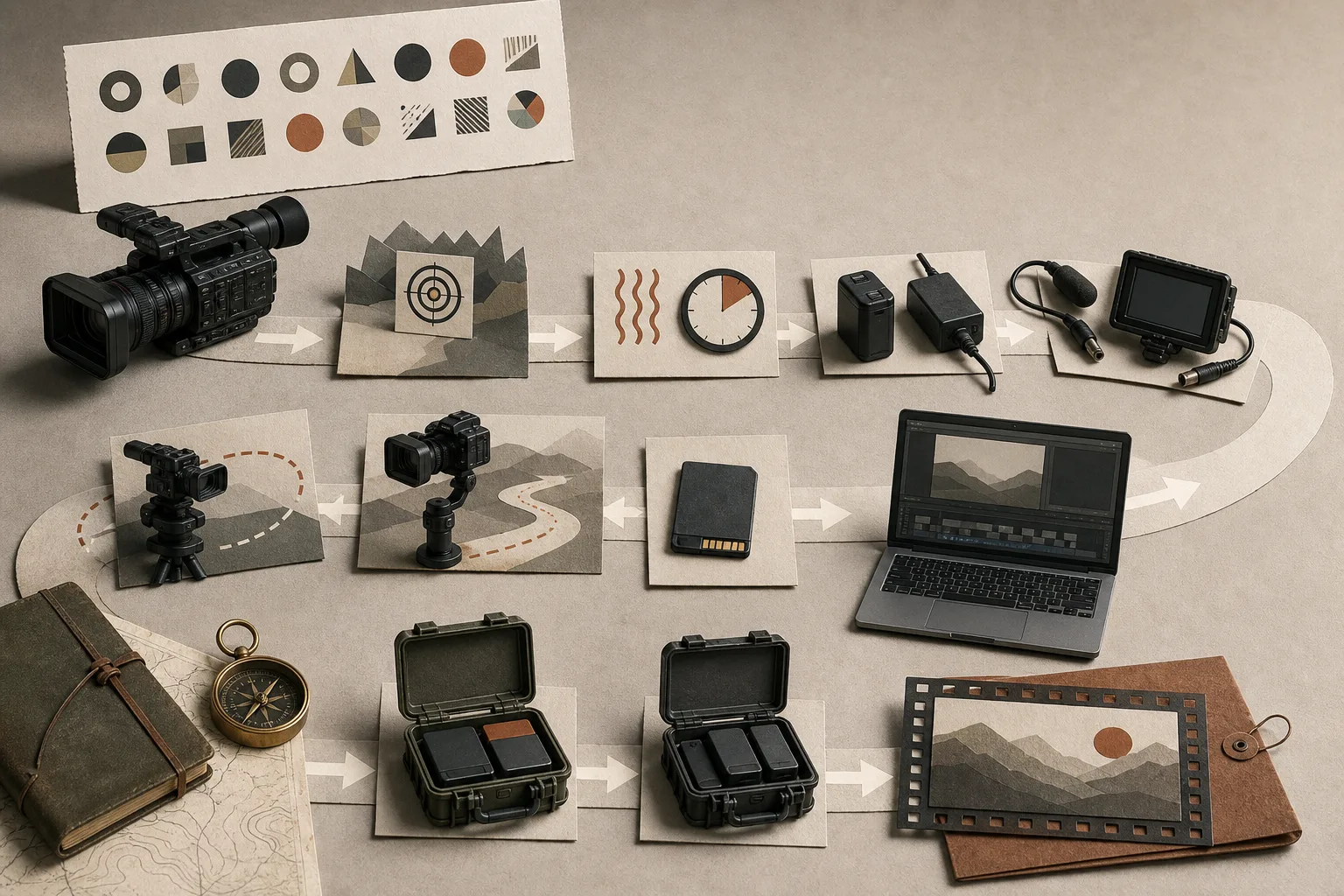
A specification sheet can confirm that a camera offers 4K at 60 frames per second. It cannot show whether that exact mode is reliable, easy to operate, visually suitable, or practical from capture through delivery.
Test the exact mode you intend to use.
Recording options are connected. Selecting 4K 60 fps may change the field of view, codec, bit depth, color sampling, autofocus behavior, stabilization, maximum recording time, or available outputs. These combinations vary by camera, settings, and firmware.
Write down the complete intended setup: resolution, frame rate, codec, bit depth, picture profile, lens, stabilization, audio, media, and power. A test in another mode does not prove that this one will behave the same way.
Autofocus must fail predictably and recover cleanly.
Test the subject moving toward and away from the camera, crossing the frame, turning away, leaving the frame, and returning. Repeat in the light and contrast expected on the job. Watch for sudden jumps, pulsing, attachment to the background, and slow recovery after focus is lost.
If manual focus is part of the plan, check magnification, peaking, display delay, lens response, and whether the controls remain usable while recording. The useful question is not simply whether focus can lock, but whether its behavior can be anticipated.
Record for a working block, not a demonstration clip.
Run the camera at the intended settings for at least the length of a realistic shooting block. Use the expected ambient temperature, screen position, media, battery or external power, and any simultaneous output. Check thermal warnings, automatic mode changes, time limits, battery consumption, card capacity, and restart behavior.
A short shop test may reveal image quality, but it cannot prove endurance. Thermal shutdown and recording limits can differ with the body, firmware, environment, and settings, so record the actual conditions with the result.
Movement reveals problems that a static chart cannot.
Pan at the speed the work requires, follow a walking subject, shoot from a moving position, and include straight vertical lines. Look for skew from rolling shutter, stabilization wobble, abrupt corrections, digital crops, and motion that becomes uncomfortable at the intended playback speed.
Test the real lens and stabilization combination. In-body, optical, and digital stabilization can interact differently at wide and long focal lengths. Stabilization should support the intended camera movement; it does not automatically make every handheld shot look natural.
Ports and monitoring are part of the recording system.
Confirm the connections the job actually needs: microphone input, headphone monitoring, HDMI, USB power, timecode, card slots, or an external recorder. Check whether overlays can be removed from an external feed and whether internal recording changes when another device is connected.
A port on the body is only the beginning. Cable direction, door clearance, strain relief, rig access, and the ability to monitor audio and exposure during a real take determine whether the connection is dependable.
The test ends after edit and export.
Copy the files using the planned storage workflow, open them in the actual editing software, apply the required color treatment, play them at full resolution, and export the intended deliverable. Note decoding speed, proxy requirements, storage use, color interpretation, metadata, audio sync, and export time.
Compare the result with a lighter recording mode. If the finished work does not use the extra frame rate, color information, or data rate, the more demanding mode may add cost without solving a delivery problem.
A video specification becomes useful only after the complete workflow passes the test.
The field test
- Use the exact recording mode, lens, media, and power plan
- Test focus loss and recovery in realistic movement and light
- Record for a full working block and inspect heat and capacity
- Check rolling shutter and stabilization with real movement
- Connect every required monitoring, audio, and power device
- Transfer, edit, export, and reopen the finished file